Handling protected and encrypted PDFs
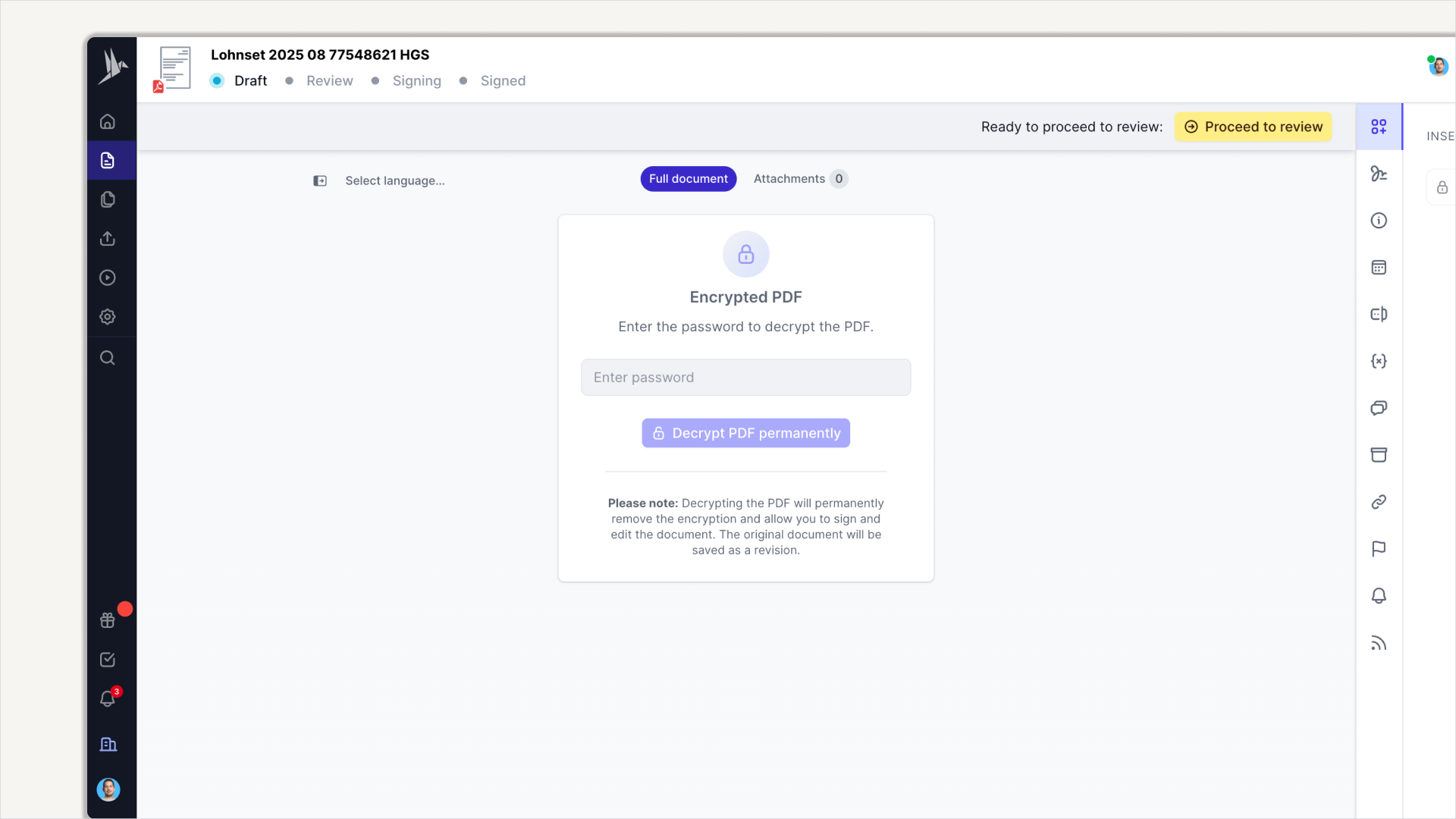
You’ve been asking for this one, and like I mentioned before, we always listen.
We’re excited to share that you can now upload your password-protected or encrypted PDFs to fynk. No more annoying 🚨 this type of file is not supported 🚨 error messages.
Here’s how it works: whenever fynk detects a protected file, it clearly lets you know and prompts you to provide the password. From there, you can rest assured that no one else has access unless you grant it. Once unlocked, you can use all the same editing tools you already know and love.
This is especially crucial for teams handling sensitive documents in finance, banking, insurance, or healthcare. Now, instead of juggling files across different platforms, you can keep all your docs in one secure place.
Invite whoever you need to collaborate, edit as usual, and enjoy smoother uploads with fewer errors. 🪄